Cold Email Tools for Recruiters: Six Questions the Sales Listicles Never Ask
Cold email tools compared for a recruiting desk in 2026, with prices. Six questions that separate a sales sequencer from something that can run candidate and client outreach.
Sequences that stop on a reply, replies tied to the person, and the sourcing already attached.
Search for cold email tools and you get listicles: eighteen tested, twenty-eight ranked, the ten best of 2026. They are not wrong, and the products in them are good. They are just all answering a sales team's question, which is how to send more email to more companies for less money. A recruiting desk has a different question. It is sending to individual people about their careers, it has two audiences rather than one, and the entire value of the exercise is in the reply. Here are six questions that change the answer, and what the priced tools actually do about them.
What Instalent does, first
This is our blog, so the fair place to start is our own answer. Instalent runs outreach as part of the recruiting job rather than as a standalone sending tool:
- Multichannel sequences that stop the moment someone replies, with working hours and a timezone per campaign.
- Every reply in one shared inbox, tied to the campaign and the profile, where an agent drafts or answers under the approval settings you choose.
- Contact details verified before the send through enrichment from multiple sources, charged only when a value is found.
- Both audiences on one engine. Candidate sourcing and client prospecting share a workspace, so the shortlist you built is the opener for the client you are pitching.
- A mailbox that breaks pauses the campaign, never the prospect, and the mailboxes themselves can be bought in the Email Store and connected in one click.
- Push to a real ATS: RecruiterFlow, Greenhouse, Lever and TeamTailor, two-way.
We are not the cheapest way to send a hundred thousand emails a month, and the section at the end says who should buy elsewhere.
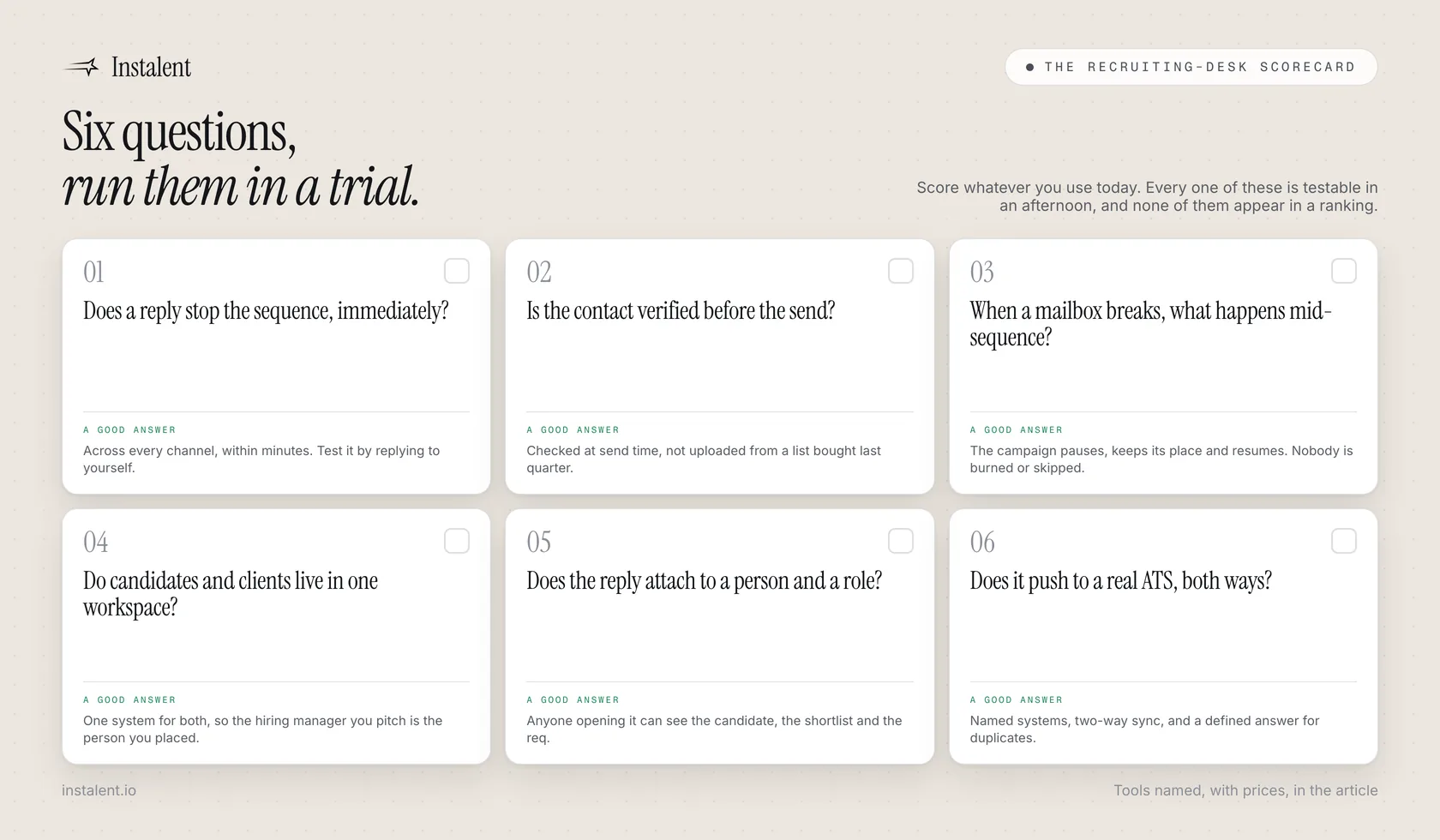
The six questions
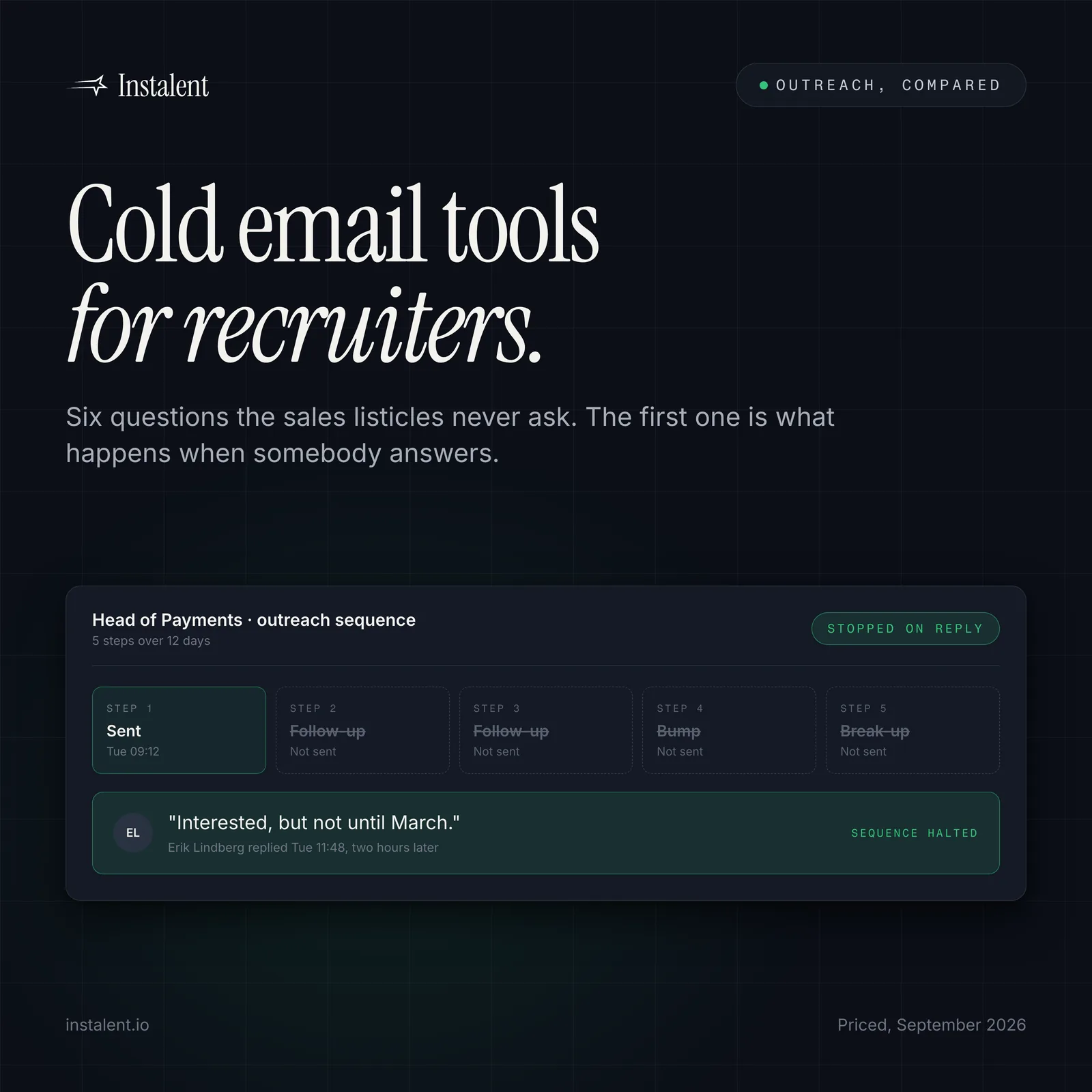
1. Does a reply stop the sequence, immediately?
In sales, a prospect who replies "not now" getting step three is an annoyance. In recruiting it is the end of the relationship, because you have just told a senior person that the message they answered was automated and nobody read it. Most serious tools support stop-on-reply. The question worth asking in a trial is how fast, across which channels, and whether a reply on one channel stops the others. Test it by replying to yourself before you trust it with a candidate.
2. Is the contact verified before the send, or just uploaded?
A sales list is bought in bulk and bounces are a cost of doing business. A recruiting desk usually has a small, hand-built list of people who matter, and a bounce on a shortlisted candidate is a lost hire. Verification before the send protects both the hire and the domain: Google asks senders to keep the spam rate reported in Postmaster Tools below 0.10% and never reach 0.30%, and bounces feed the same reputation. We wrote the full argument in protecting your sender reputation.
3. When a mailbox breaks, what happens to the person mid-sequence?
This is the question nobody asks in a demo and everybody hits in month two. A disconnected or revoked mailbox can leave a sequence firing into nothing, or stop silently. Either way the candidate who was three days from a call hears nothing and the recruiter finds out a fortnight later. The behaviour you want is a campaign that pauses at that step, keeps its place, and resumes when the mailbox is reconnected.
4. Do candidates and clients live in one workspace?
An agency has two outbound motions. Sales tools are built for one. Running candidate outreach in a sequencer and client business development in a second copy of the same sequencer means two lists, two sets of mailboxes and no memory that the hiring manager you are pitching was a candidate you placed three years ago. Client acquisition is now the harder half of most agency desks, which makes the split expensive.
5. Does the reply attach to a person and a role?
A sequencer's inbox knows an email address. A recruiting desk needs the reply attached to the candidate, the shortlist and the req, so that the next person to open it knows what was promised. This is the difference between an inbox and a pipeline, and it is where most follow-ups die.
6. Does it push to a real ATS?
Eventually the person has to land in the system of record, and a CSV export is not an integration. Ask which ATSs are supported, whether the sync is two-way, and what happens to a duplicate.
The priced tools, as they describe themselves
Read on the vendors' own pricing pages on 23 September 2026. All three send well; the notes are about fit for a recruiting desk, not quality.
| Tool | Published pricing (Sept 2026) | What it is strong at | Where a recruiting desk needs more |
|---|---|---|---|
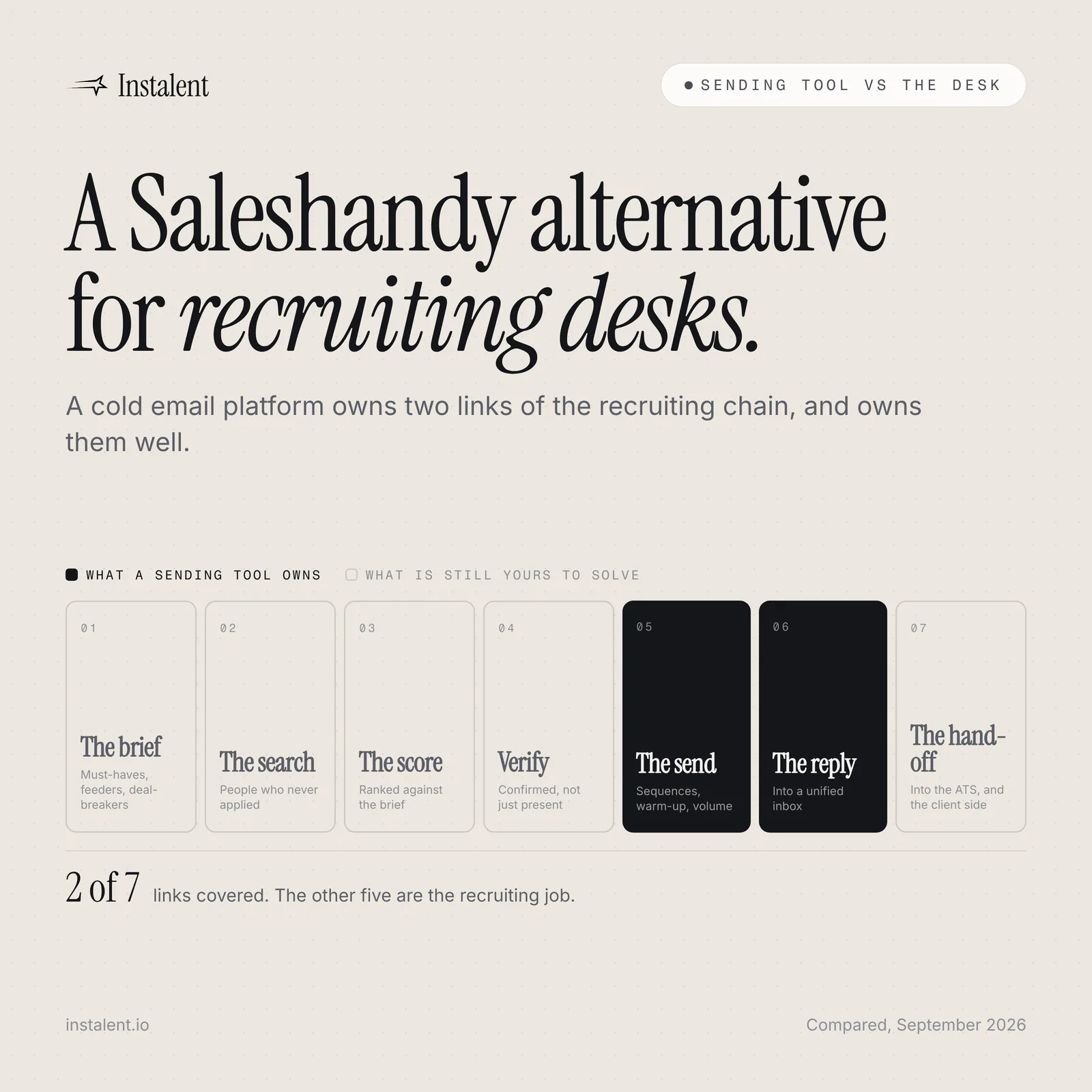
| Saleshandy | Starter $34/mo annual ($41 monthly); Pro $76/mo; Scale $149/mo; unlimited email accounts on every plan | Unlimited sending accounts, warm-up and email verification included, a unified inbox, a large B2B contact database | Built around a sales prospect list; no candidate or req model, no client-side recruiting motion |
| QuickMail | Starter $49/mo (1,000 contacts, 5,000 emails); Growth $99/mo (25,000 contacts, 100,000 emails); Agency $299/mo (100,000 contacts, 500,000 emails, 2 workspaces) | Unlimited senders and users on every plan, warm-up included, agency workspaces, no per-seat fee | Contact-capped rather than pipeline-aware; replies are not tied to a candidate record |
| Amplemarket | Startup $600/mo on an annual term (2 users, 27,000 contact credits per user per year); Growth and Elite on request | Data, buying signals, job-change tracking and deliverability tooling in one platform | Priced and modelled per sales seat; the signals are firmographic rather than hiring events |
The well-known sequencers are covered individually elsewhere on this site rather than repeated here: Instantly, Smartlead, lemlist, Reply.io, Mailshake and Woodpecker.
Run the scorecard on what you already have
Take one live campaign on your current tool. Reply to your own sequence and time how long until it stops. Disconnect a mailbox on purpose and watch what happens to the people mid-sequence. Then look at where the last ten replies ended up and whether anyone could tell you which role each was about. You will learn more in an hour than from any ranking, including this one.
Where the sales tools still win
Four honest cases for buying one of the tools above instead:
- Volume. If you are sending six figures of email a month, the per-email economics of a mature sequencer are hard to argue with, and QuickMail's Agency plan covers 500,000 sends at $299.
- Price at the entry point. $34 a month is less than any recruiting platform will cost you, and for a solo desk testing whether outbound works at all, that is the right first purchase.
- A built-in contact database. If your motion genuinely is firmographic prospecting, the large B2B databases bundled into these tools save a separate data subscription.
- An existing setup that works. If your sequencer is settled, your team knows it and your replies are getting handled, the cost of change is real and nobody should switch on a blog post's say-so.
Recruiting-specific gaps are only gaps if you have that job. A sales team would find our candidate scoring useless in exactly the same way.
The short version
The sequencer category solved sending years ago. What it has never solved, because it was never asked to, is that a recruiting desk is not sending to a company, it is talking to a person about their career, and half its outbound is aimed at winning the client in the first place. Judge the tool on the reply, not the send.
Want outreach that stops on a reply, keeps every answer tied to the person and the role, and already knows who you sourced? Get started, or see how it fits an agency desk.
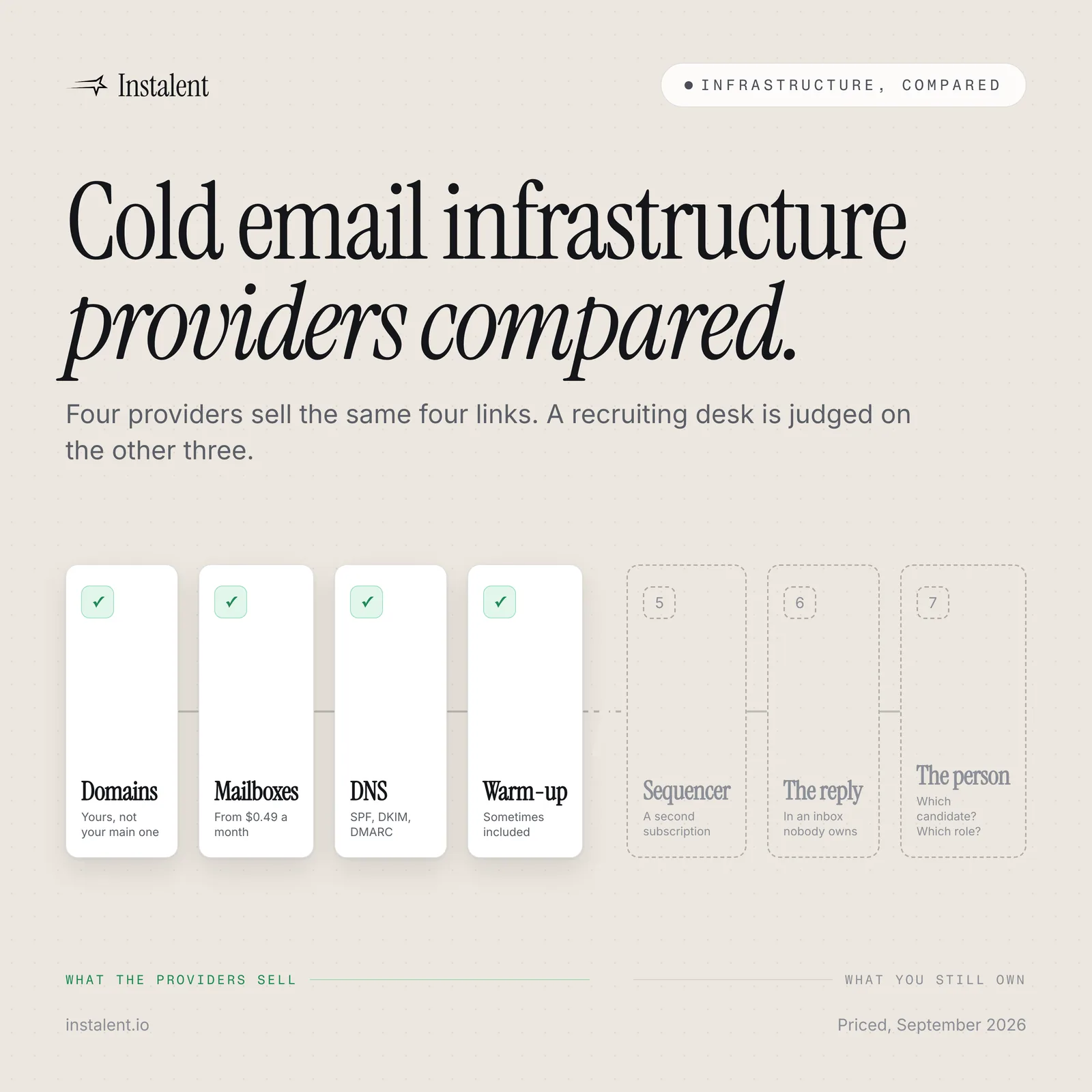
Related reading: recruitment reply management for the half that matters, cold outreach templates for what to actually write, and cold email infrastructure providers compared for the mailboxes underneath it all.
Sources
- Saleshandy - Pricing (read 23 September 2026: Starter $34/mo billed annually or $41 monthly, 2,000 active prospects, 6,000 emails a month; Pro $76/mo annual, 30,000 prospects, 100,000 emails; Scale $149/mo annual, unlimited prospects, 200,000 emails; unlimited email accounts, email warm-up and email verification included on every plan, unified inbox, B2B database quoted at 852M+ contacts; company claim of 25,000+ businesses)
- QuickMail - Pricing (read 23 September 2026: Starter $49/mo, 1,000 uploaded contacts, 5,000 emails a month; Growth $99/mo, 25,000 contacts, 100,000 emails; Agency $299/mo, 100,000 contacts, 500,000 emails, 2 workspaces with extra workspaces at $49; unlimited email senders and unlimited users on every plan, warm-up included, 14-day trial, month-to-month with no contract)
- Amplemarket - Pricing (read 23 September 2026: Startup $600/mo on an annual term including 2 users, 27,000 contact credits per user per year and 600 phone credits; Growth includes 4 users and Elite 10 users, both priced on request; platform spans data, intent signals, job-change tracking, multichannel engagement and deliverability tooling)
- Google - Email sender guidelines (spam-rate guidance: keep the rate reported in Postmaster Tools below 0.10% and never reach 0.30%)
Run your own side-by-side test
Source, enrich, score and reach out in one flow, and judge it against your current stack. Get 50% off your first month.
Keep reading
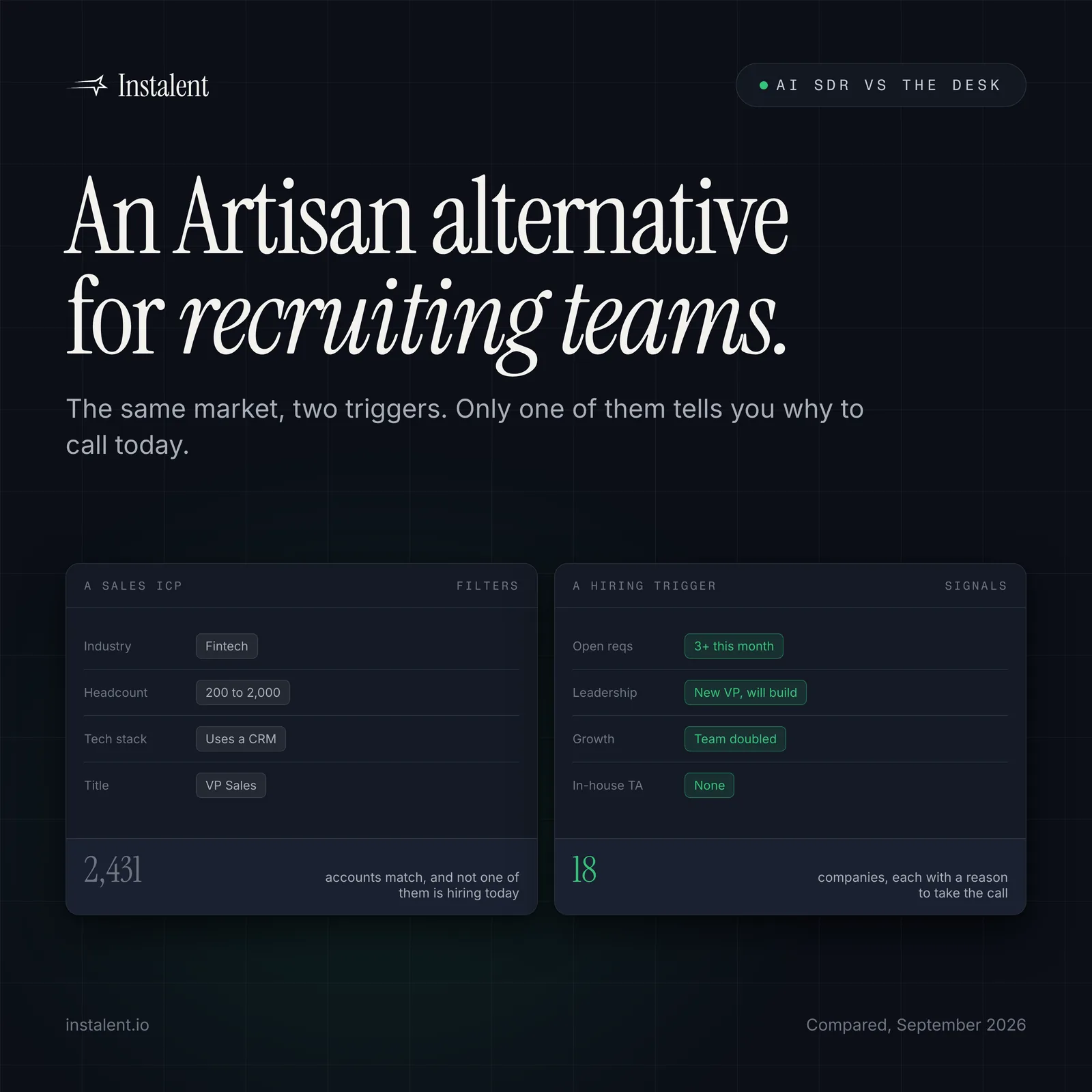
An Artisan Alternative for Recruiting Teams: What Ava Does, and What a Desk Still Needs
Cold Email Infrastructure Providers Compared: What a Recruiting Desk Actually Needs