Cold Email Infrastructure Providers Compared: What a Recruiting Desk Actually Needs
Four cold email infrastructure providers priced and compared for 2026, and the question none of them answer: what happens to the mailbox after it is warm?
Buy the mailboxes where the campaigns already run. Warm, connected, replies in one inbox.
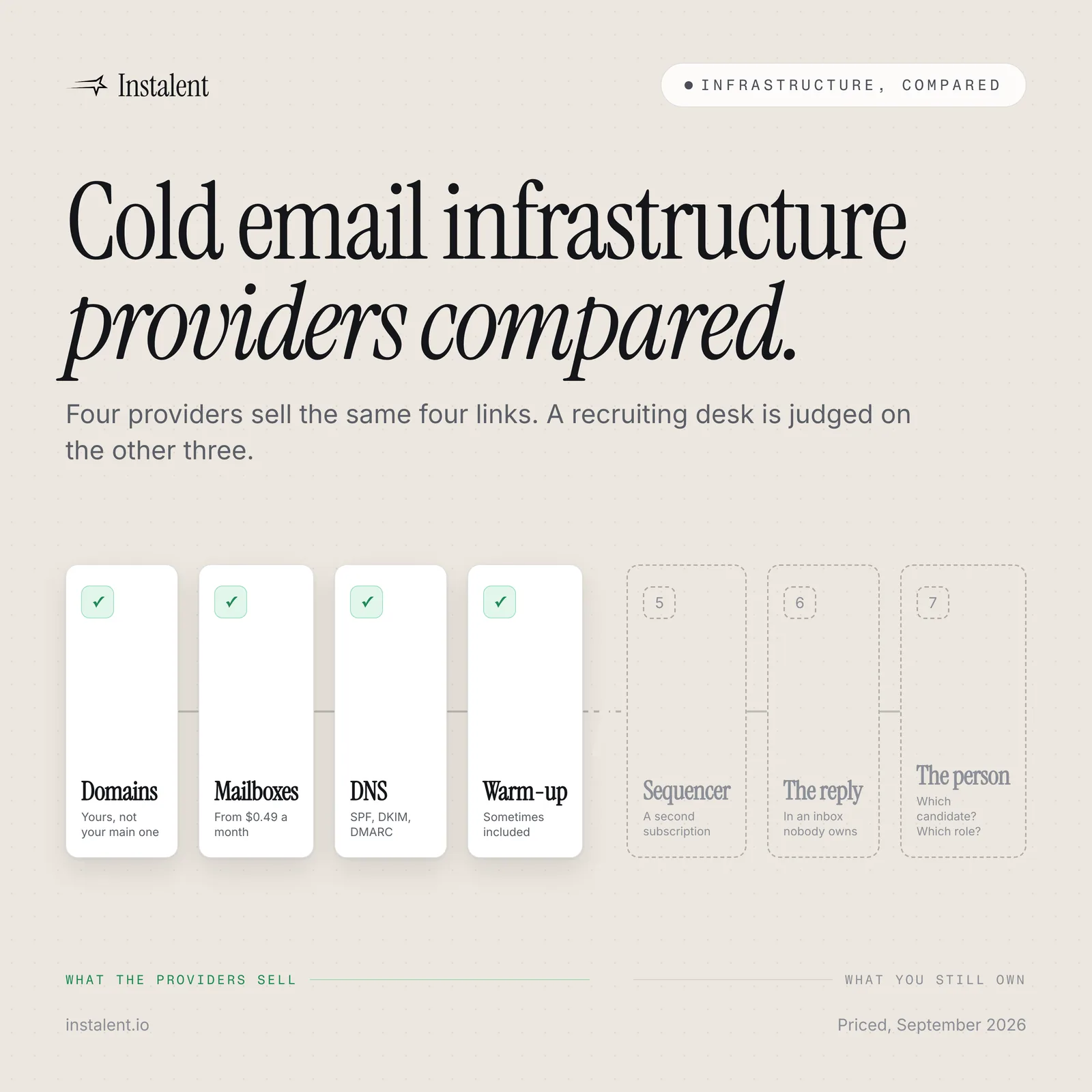
The cold email infrastructure market has become genuinely good and genuinely cheap. You can buy a hundred mailboxes on your own domains, have SPF, DKIM and DMARC written for you, and be warming by this afternoon, for less per mailbox than a cup of coffee. Four providers do this well and publish their prices, which is more than most software categories manage. So this is not a post about which of them is worst. It is about the sentence every one of them ends on: here are your mailboxes, now go and connect a sending tool. For a recruiting desk, that sentence is where the work starts.
What Instalent does with this, first
This is our blog, so the honest place to start is with what we built and how it differs in kind rather than in price. The Email Store sells the same things the providers below sell, in the same four steps: pick sending domains from names that are free to register, choose how many mailboxes go on each, let them warm, then send. DNS, SPF, DKIM and DMARC are written for you.
The difference is everything after "warm":
- Connect to a campaign in one click. The mailbox joins the multichannel sequences already running in the same account. There is no API key to copy and no integration to pick.
- Replies land where the work is. Every response arrives in the unified inbox, tied to the campaign and the profile, where an agent can draft the next message under your approval.
- A broken mailbox pauses the campaign, never the prospect. If an account is disconnected, revoked or deleted, the sequence stops at that step rather than sending into a hole. You reconnect and resume, and nobody is skipped or double-sent.
- The sourcing is already attached. The candidate you found this morning and the hiring manager you verified yesterday are in the same workspace as the mailbox that is about to email them.
Connecting is always your click, never automatic, and a mailbox reads as connected only when the link actually exists. We are not the cheapest way to own a hundred mailboxes, and this post will not pretend otherwise. We are the one where the mailbox, the campaign, the reply and the candidate are the same system.
The four providers, priced
All prices and positioning below were read on the vendors' own pricing pages on 23 September 2026. Prices move; treat this as a snapshot.
| Provider | Mailbox type | Published pricing (Sept 2026) | Warm-up | Domains |
|---|---|---|---|---|
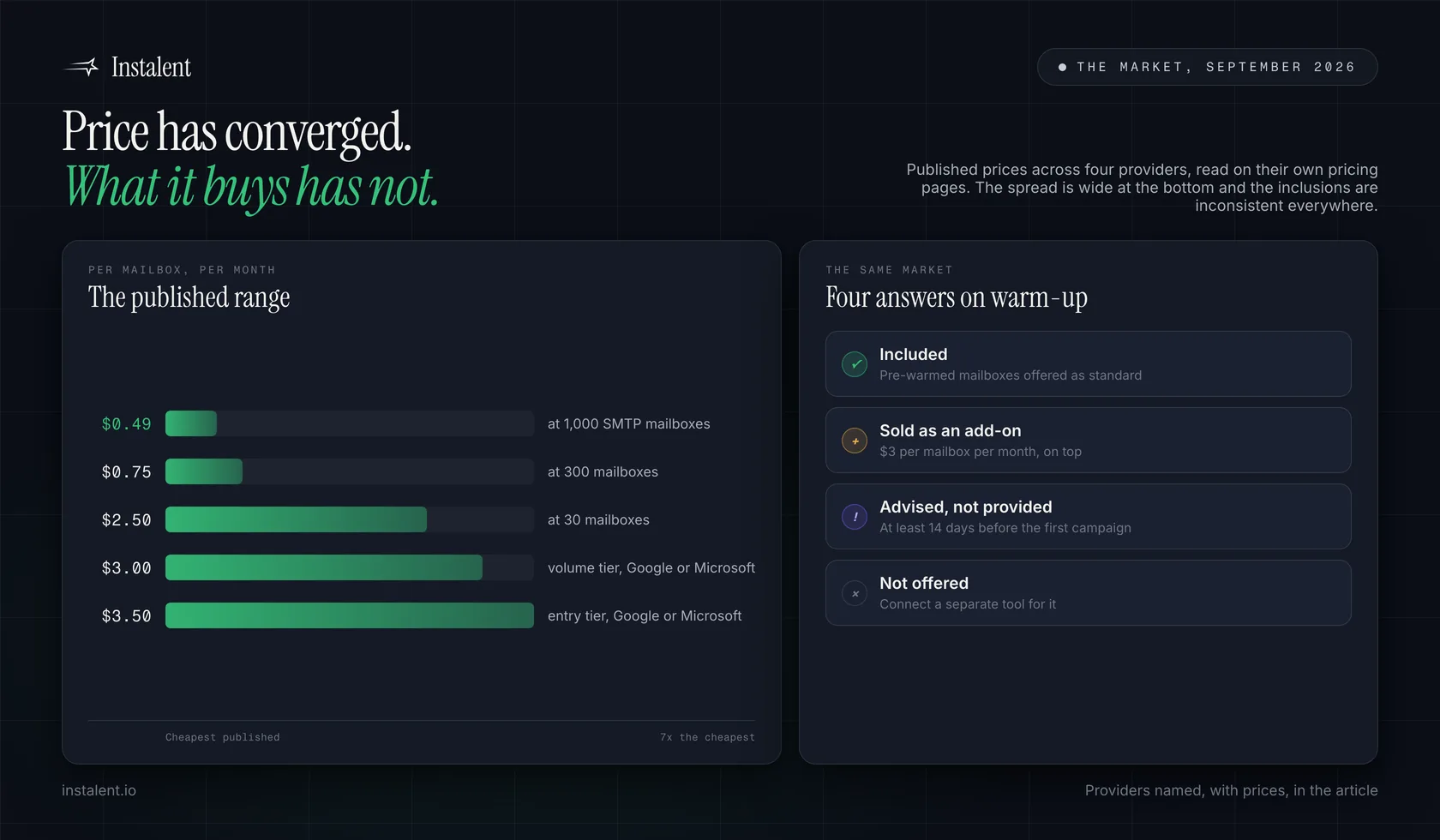
| Maildoso | SMTP, built for outbound | $75/mo for 30 mailboxes ($2.50 each); $225/mo for 300 ($0.75); $499/mo for 1,000 ($0.49) | Advises at least 14 days before the first campaign | Sold separately, $12/year, rising to $15/year from 1 Oct 2026 |
| Zapmail | Google Workspace and Microsoft 365 | Starter $39/mo (10 Google mailboxes); Growth $99/mo (30); Pro $299/mo (100); extra mailboxes $3.00 to $3.50 | Pre-warmed mailboxes offered | Buy through them or bring your own |
| Inframail | Microsoft-backed inboxes | Unlimited $147/mo (80,000 emails/mo, 1 dedicated US IP); Agency Pack $387/mo (300,000 emails/mo, 3 IPs); 30% off annually | Not offered; you connect a separate tool | Bought and managed in the platform |
| InboxKit | Google Workspace and Microsoft 365 | Professional $39/mo monthly or $31 annual (10 slots); extra mailboxes $2.50 to $3.50; Azure tenant $30/mo for up to 100 | Add-on at $3 per mailbox per month | Automated DNS included |
Three things stand out. The per-mailbox price has collapsed, and at a thousand mailboxes the gap between the cheapest and the dearest is several times over. Warm-up is not a settled part of the product: one provider includes it, one sells it per mailbox, one advises you to do it and one does not offer it at all. And every one of them stops at the mailbox.
The handoff is the cost
Buying mailboxes is the easy part of outbound and it is the part the market has solved. What nobody in this category sells you is the chain that follows, and on a recruiting desk that chain has three more links.
The sequencer. Mailboxes arrive with an API key and a list of supported tools. You still pick a sending platform, pay for it, and keep two systems in step. When a mailbox is swapped, both have to know.
The reply. A reply is the only thing outbound actually produces. Infrastructure providers do not have an inbox, because they are not in that business. So replies go back to wherever the sequencer keeps them, which on most desks is a shared mailbox nobody owns, separate from the record of who the person is and which role they were contacted about. We wrote up what that costs.
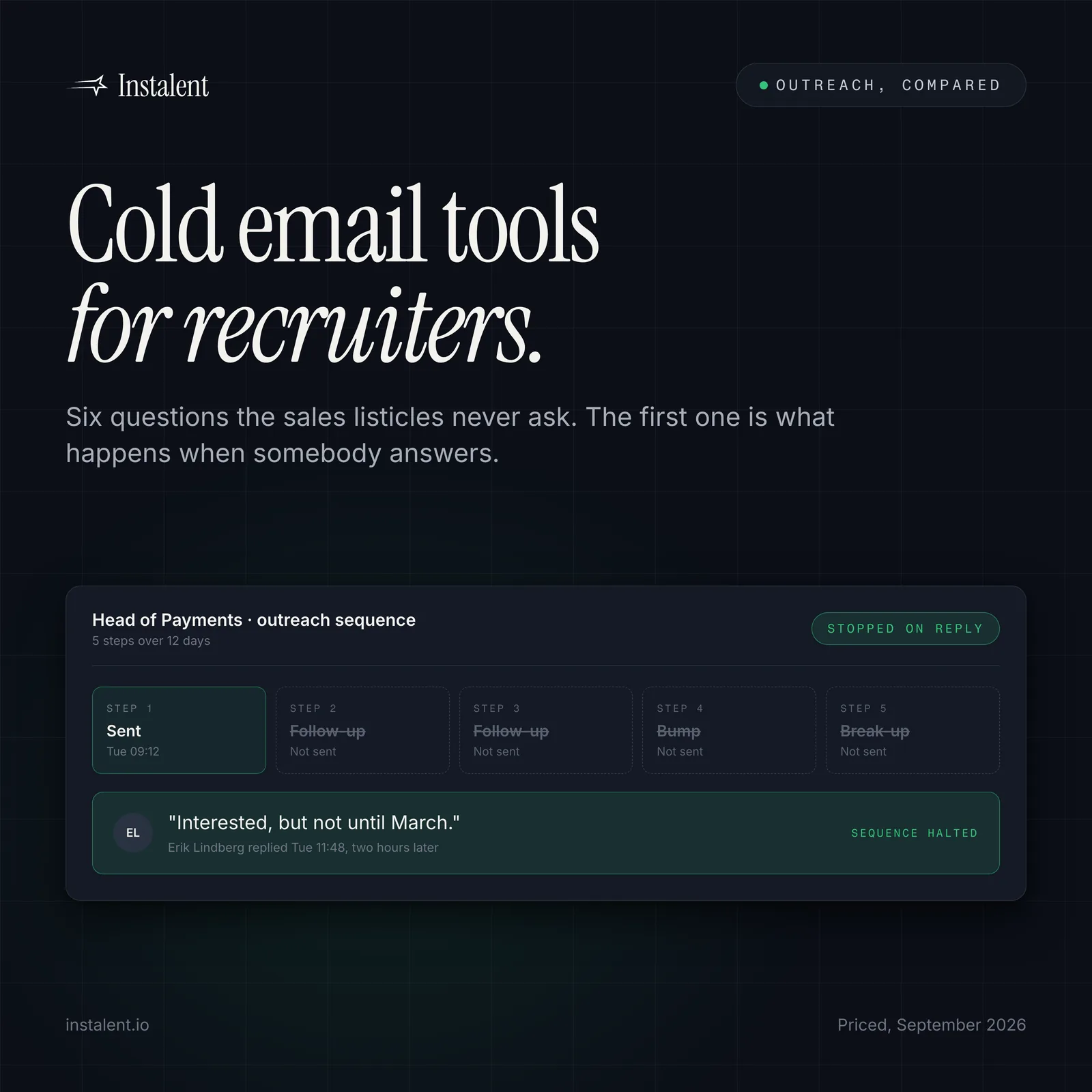
The person. This is the one that matters and the one no infrastructure vendor can fix. A mailbox knows a string like erik@ and nothing else. It does not know that Erik is a payments engineer on a shortlist, that the hiring manager replied on Friday, or that the sequence should have stopped when he did. Everything that makes outbound a recruiting activity rather than a mail-merge lives in the layer above.
A cheap mailbox on a bad list is still a bad send
None of this is a reason to overpay for infrastructure, and a $0.49 mailbox is not worse than a $3.50 one because it is cheap. It is a reason to be clear about what you are buying. Verify contact details before you send, keep bounces under 1%, and stop the sequence the moment someone replies. Our guide to protecting your sender reputation covers the list-hygiene half; infrastructure is only the other half.
Where these providers still fit, honestly
Plenty of desks should buy from exactly these vendors, and it would be dishonest to write a comparison that did not say so.
- You are running outbound at a scale we are not built for. If your model genuinely needs several hundred mailboxes, the per-mailbox price at the top of that table is the whole argument and it is a good one.
- You already have a sending platform you like. If your sequencer is settled and your team knows it, buying mailboxes that plug into it is the smaller change.
- You want a dedicated IP on a flat monthly plan. Inframail bundles one into a $147 plan. Ours is a separate monthly add-on that our team sets up by hand, usually within two business days, so on that specific point they are simpler.
- You want Google or Microsoft mailboxes specifically. Three of the four sell real Workspace or 365 accounts rather than SMTP relays, which matters if your compliance team has an opinion about it.
If any of those describe you, buy the mailboxes there and keep reading our posts for the rest of the desk. We would rather be useful than pretend the category is bad.
The question to ask before you buy
Not "how much per mailbox". Ask what happens on the day a mailbox breaks mid-campaign, because it will. On most stacks the sequence keeps firing into a dead account, or stops without telling anyone, and the prospect is burned either way. Ask where the reply goes and whether it is attached to the candidate record. Ask what the infrastructure knows about the role you are filling. If the answer is nothing, you have bought plumbing, which is fine as long as you know that you are the one holding the rest of the chain together.
Want the mailboxes, the campaign and the reply to be the same system? The Email Store is live in Instalent, one click from your account menu. Get started, pick the names, and we do the technical bits.
Related reading: cold email infrastructure explained for what the layer is and the sender rules Google and Microsoft now enforce, outbound recruiting in 2026 for why the outbound desk is winning, and cold outreach templates for what to send once the mailboxes are ready.
Sources
- Maildoso - Pricing (read 23 September 2026: SMTP mailboxes for outbound; $75/mo for 30 mailboxes, $225/mo for 300, $499/mo for 1,000, quoted as $2.50, $0.75 and $0.49 per mailbox; domains sold separately at $12/year rising to $15/year from 1 October 2026; warm-up advised for at least 14 days before the first campaign)
- Zapmail (read 23 September 2026: Google Workspace and Microsoft 365 mailboxes, pre-warmed mailboxes, automated SPF, DKIM, DMARC and tracking-domain setup, 50+ outreach integrations; Starter $39/mo for 10 Google mailboxes, Growth $99/mo for 30, Pro $299/mo for 100, additional mailboxes $3.00 to $3.50; company claims of 1M+ mailboxes set up, 330k+ domains and 50,000+ businesses)
- Inframail (read 23 September 2026: Microsoft-backed inboxes, unlimited inboxes with no per-mailbox fee, automatic DNS; Unlimited $147/mo with 80,000 emails a month and 1 dedicated US IP, Agency Pack $387/mo with 300,000 emails and 3 IPs, 30% annual discount, done-for-you setup at $3,497 one-time or $499/mo; does not provide warm-up or sending; company claim of 2,000+ B2B companies)
- InboxKit - Pricing (read 23 September 2026: Google Workspace and Microsoft 365 mailboxes; Professional $39/mo monthly or $31 annual including 10 mailbox slots, additional mailboxes $3.50 monthly or $3.10 annual, Agency $3.25/$2.70, Enterprise $2.99/$2.50, Azure tenant $30/mo for up to 100 mailboxes; automated DNS and 24+ sequencer integrations included; email warm-up sold as a $3 per mailbox per month add-on)
Run your own side-by-side test
Source, enrich, score and reach out in one flow, and judge it against your current stack. Get 50% off your first month.
Keep reading
An Artisan Alternative for Recruiting Teams: What Ava Does, and What a Desk Still Needs
Cold Email Tools for Recruiters: Six Questions the Sales Listicles Never Ask